What your family sees
Your family opens one email. No sign-up, no payment.
On the morning you choose, the person you wrote to gets an email from Forever Photo with one button in it. Here is every screen that person sees, from the inbox to your words.
Three keepsakes free. No card needed.
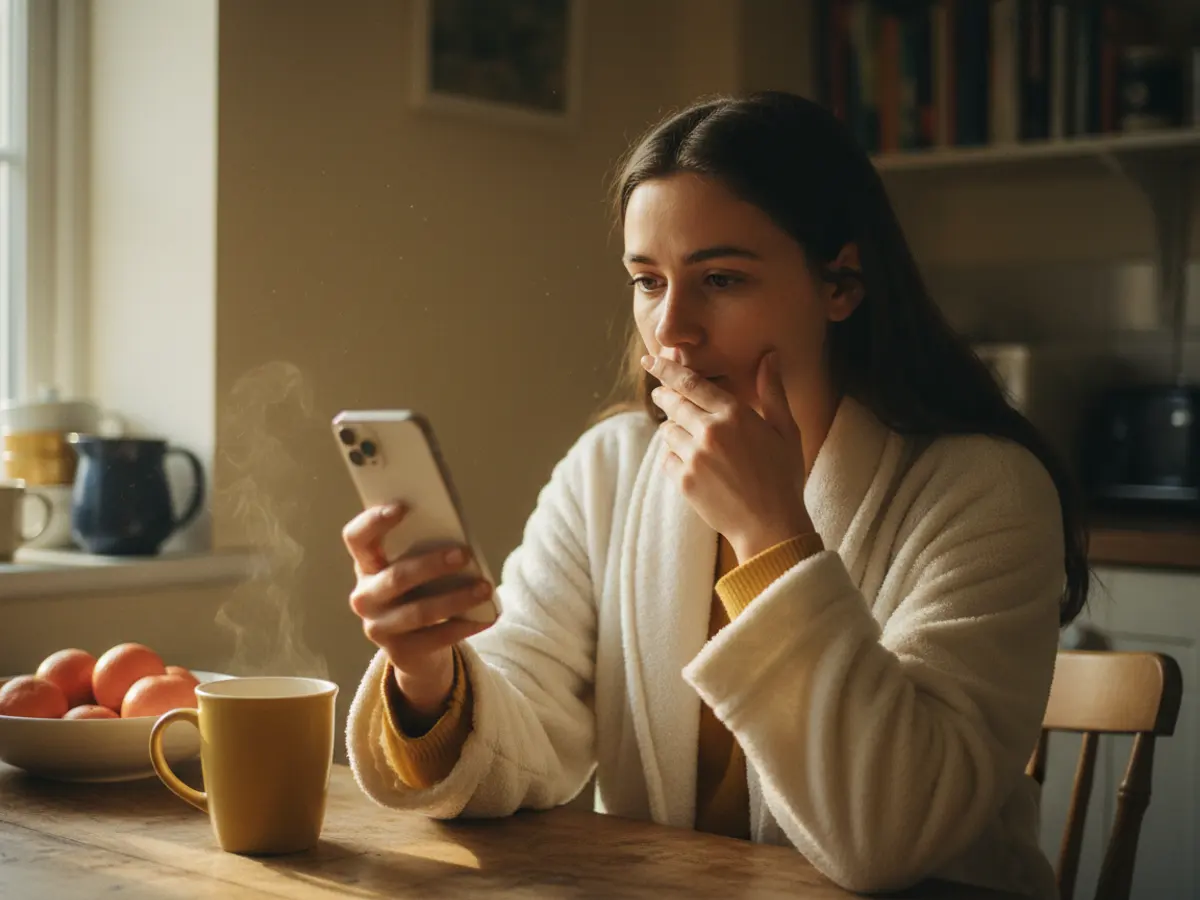
Forever Photo, 7:02
A video from Grandma Nell
Grandma Nell, talking to Sam on his graduation morning
A video keepsake plays on the page, with the letter underneath. Press Play to hear Grandma Nell with sound.
From Grandma Nell, for graduation
I recorded the video first. Took me three goes. The first two I couldn’t stop laughing about your science fair volcano, the one that went off in the back seat on the way there.
Grandma Nell
From the inbox to the letter, step by step
Sam is Grandma Nell's grandson. These are the screens Sam sees, with the same words Forever Photo sends.
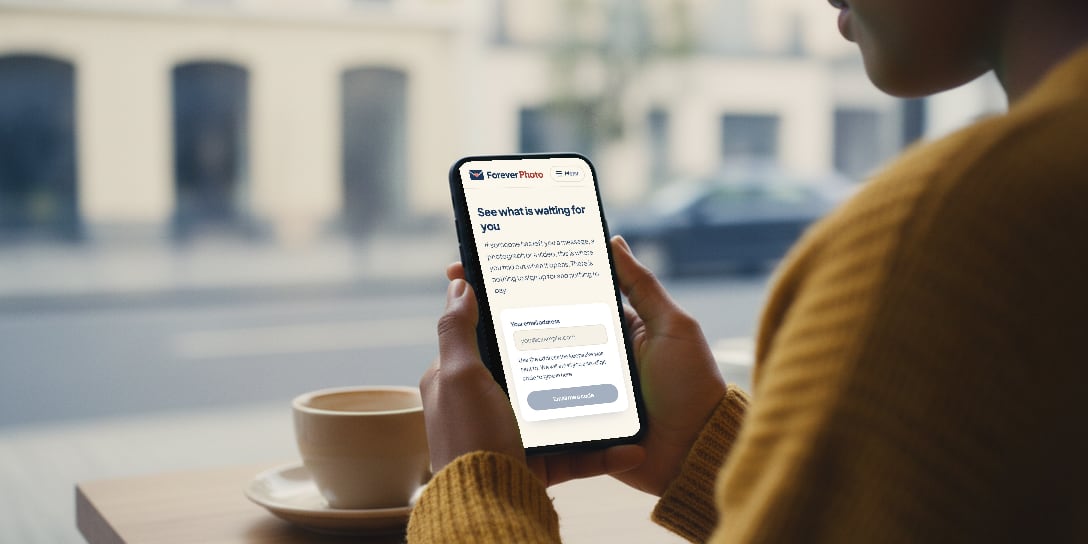
Email to Sam
Grandma Nell saved a video for you to open on Saturday, 3 June 2034
Opens Saturday, 3 June 2034
A short note that something is coming
When Grandma Nell schedules the keepsake, she can have Forever Photo tell Sam straight away. The note says who it’s from and the day it opens, and never a word of what it says. Grandma Nell can leave the note off and keep the keepsake a surprise.
- Sam can ask for a reminder the week before
- Sam can ask to open it early, and Grandma Nell answers yes or no
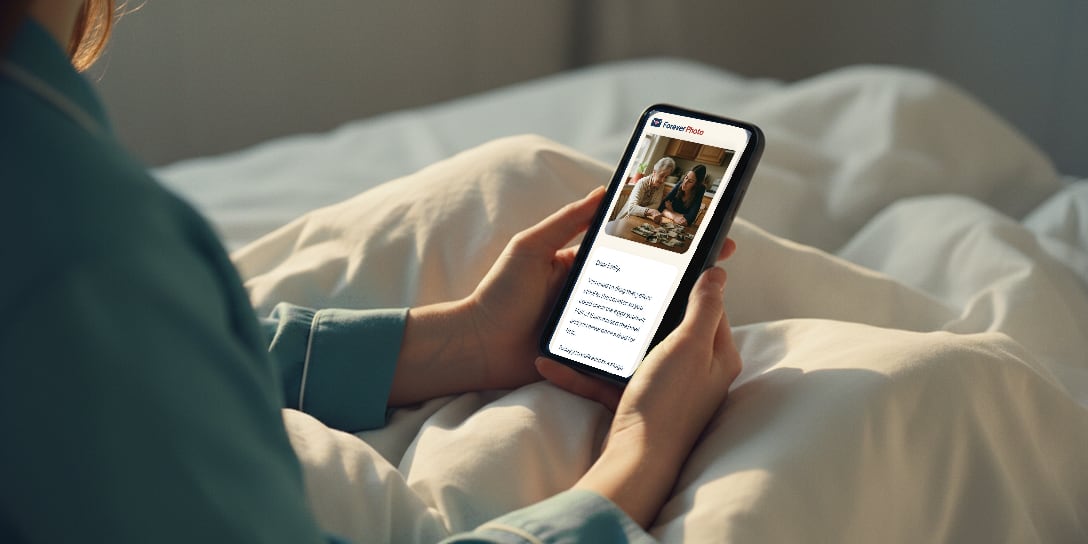
The email on the morning
On the morning Grandma Nell chose, an email from Forever Photo arrives with the subject “A video from Grandma Nell”.
The email holds no words from the keepsake, because other people sometimes read the same inbox. It says what Forever Photo is and how Sam’s address reached us, and it has one button: Open Grandma Nell’s video. For anybody wary of pressing a button in an email, it also says that typing forever.photo/for-you into a web browser leads to the same place.
Six digits instead of a password
Sam types the email address the note came to, and we send a six digit code to that inbox. The code works for 15 minutes. It proves the keepsake is reaching the right person.
- No account and no password
- No app to download
- Nothing to pay, ever
A family story
From Grandpa Joe
Sent to you on Sunday, 12 June 2033
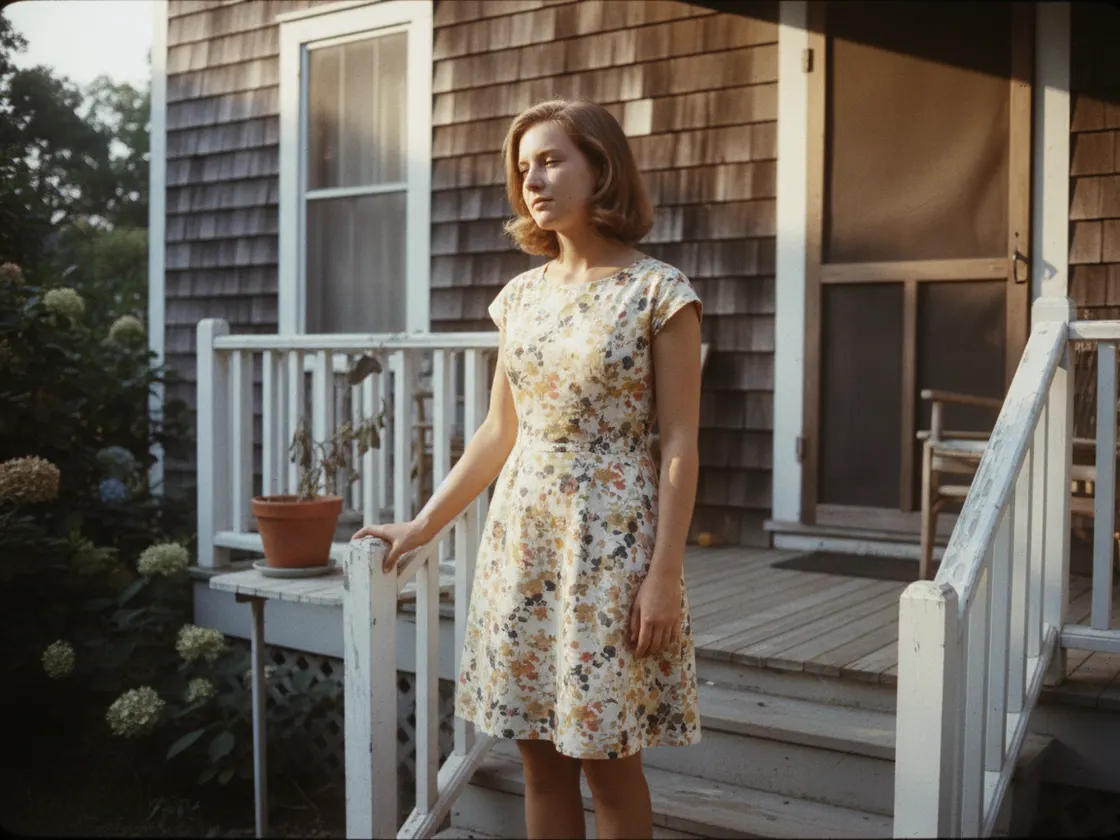
This is your grandmother on the porch at the old house, the summer before we were married.
The keepsake opens
The message, photographs or video appear exactly as the writer left them, on a plain page with large type and nothing to buy.
- A Save button under every photograph and video puts a copy on Sam's own phone
- Sam can come back and read it as many times as Sam likes
Watch a keepsake being written, then opened
Ruth writes to her granddaughter Emily for her graduation, one screen at a time. Press Play to hear it with sound.
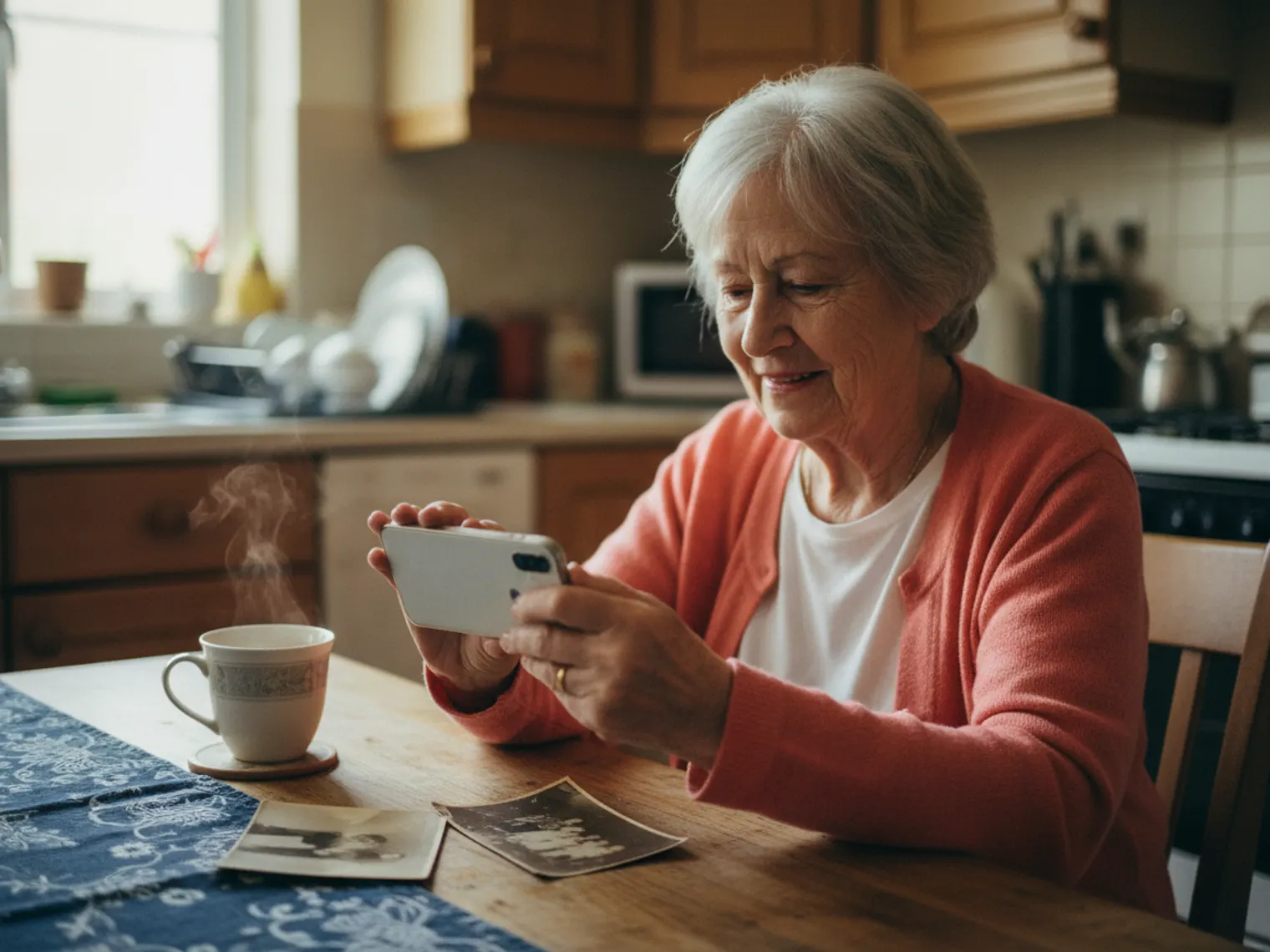
Write the keepsake your family opens
Pick one person and one day. Your first keepsakes are free.
Opens on whatever your family already has
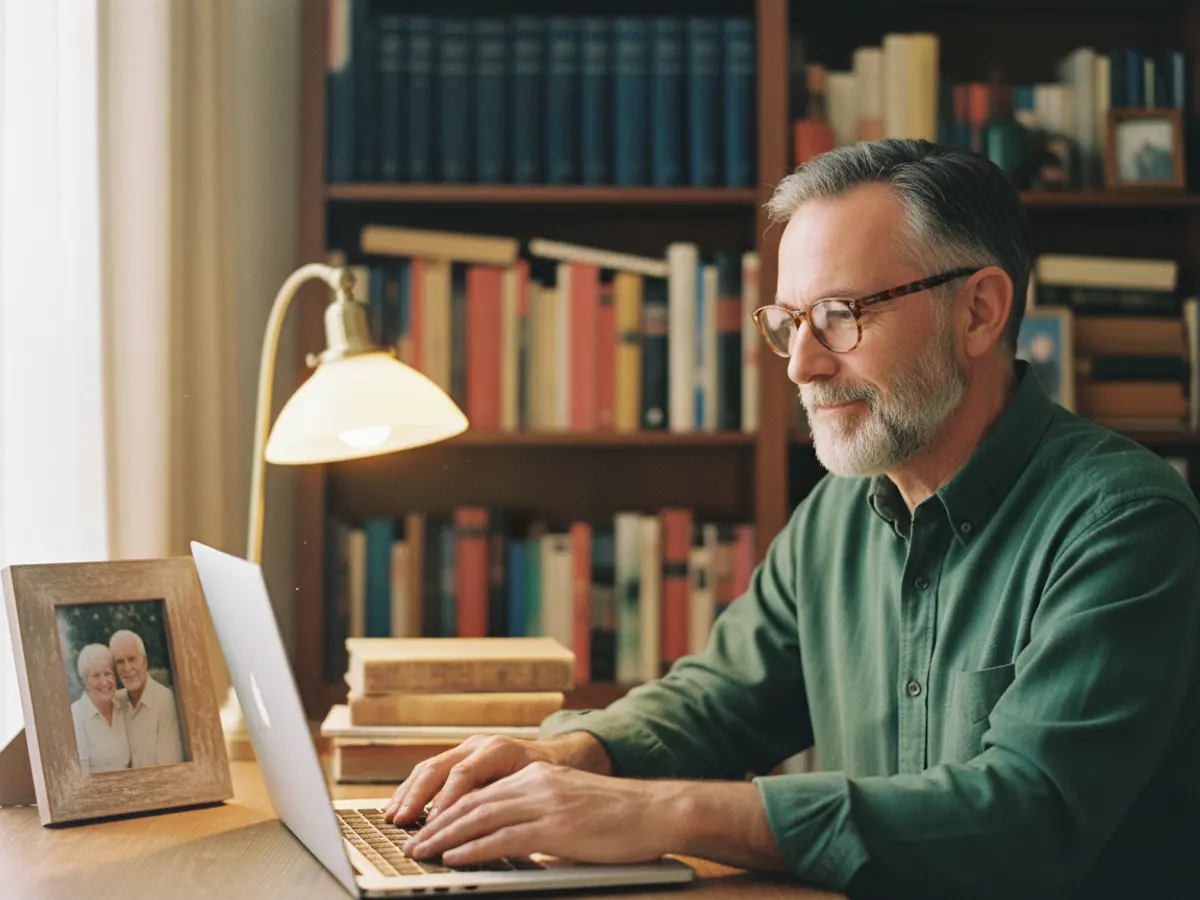
Any phone, tablet or computer
The keepsake opens in the web browser the phone or computer already has. There is no app to install.
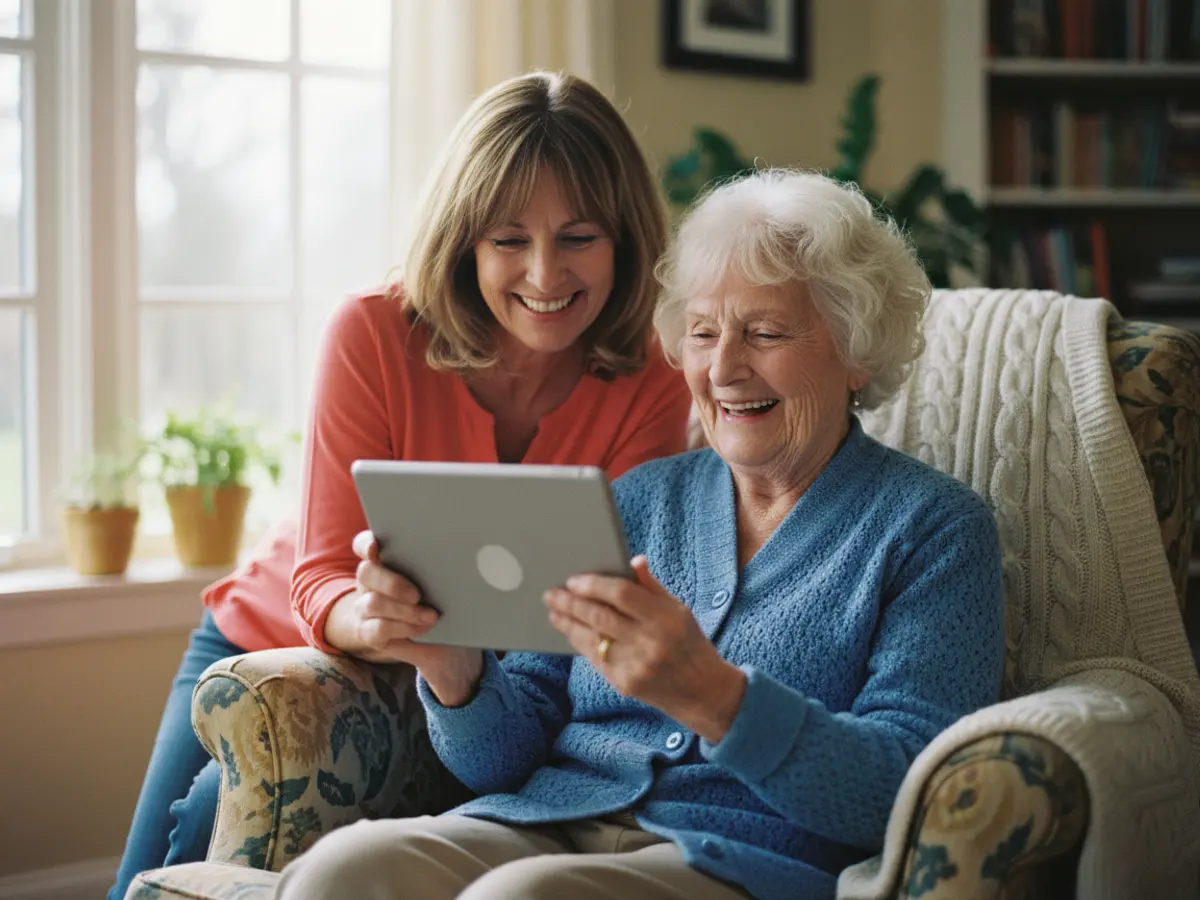
Nothing to sign up for, nothing to pay
The writer has already paid. The person receiving the keepsake is never asked for money by Forever Photo and never makes an account.
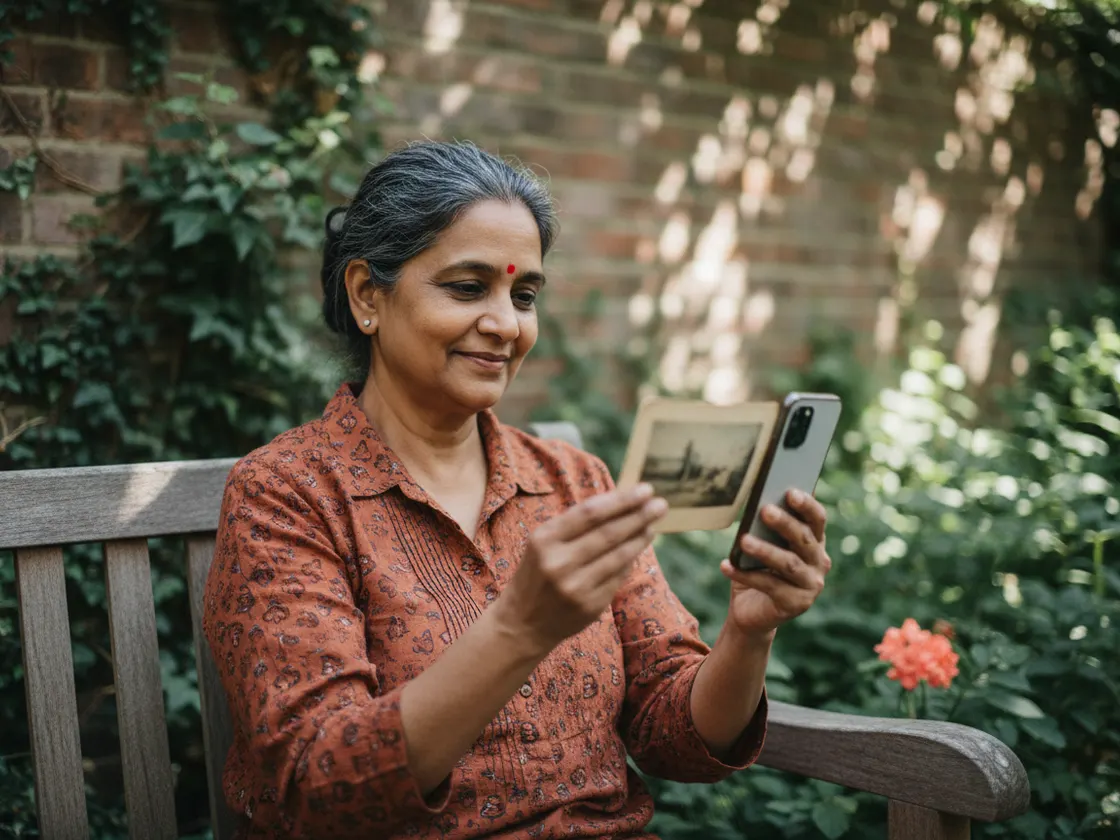
Yours to keep
The keepsake stays on its page to come back to, and every photograph and video can be saved onto the family's own phone.
What families ask about the day
- What if the email lands in the junk folder?
- Nothing is lost, because the keepsake doesn't live inside the email. Look in the junk or spam folder for a note from Forever Photo, or go to forever.photo/for-you on any day, type your email address, and we send a six digit code to open it.
- Can anybody else read it?
- Nobody at Forever Photo has read it. The keepsake was locked on the writer's own phone or computer before it reached us, and it opens only for somebody who can read the code sent to the right inbox.
- Will the writer know the keepsake was opened?
- Only if the writer asked to be told. Then we send the writer an email when the keepsake is opened for the first time.
- Can the family open it before the day?
- The waiting page has a button to ask. The writer gets a note and answers yes or no, and nothing opens until the writer says yes.
The message you keep meaning to write
Pick one person and one day. Forever Photo emails the keepsake on that morning.
Start your first keepsakeThree keepsakes free. No card needed.